Automate your mobile testing pipeline with AI
Testral plans, runs, and debugs mobile tests on real devices — so your team ships faster without the QA bottleneck.
Why mobile QA pipelines fall behind
Coverage, speed, and clarity rarely show up in the same workflow.
Selector-based tests break
Selector-based tests don't survive changes in the UI. A renamed label or restructured view and the suite is red again.
Manual QA doesn't scale
Every release needs more coverage, but hiring and coordinating human QA can't keep pace with how fast mobile ships.
Automation pipelines stall
Scripts break, flaky runs waste CI time, and nobody trusts the suite — so teams fall back to spot-checking by hand.
Failures without context
A red build and a cryptic log leave you guessing. Reproducing mobile issues eats hours you should spend shipping.
Your mobile pipeline needs an AI QA Engineer — not more brittle scripts.
An AI QA Engineer for your apps
Testral takes care of the whole testing pipeline — from planning coverage to fixing what breaks.
- Planning
- Writing
- Running
- Monitoring
- Fixing
Four phases to automated coverage
From exploring your app to keeping tests green in your pipeline.
- Phase 01 - Exploration
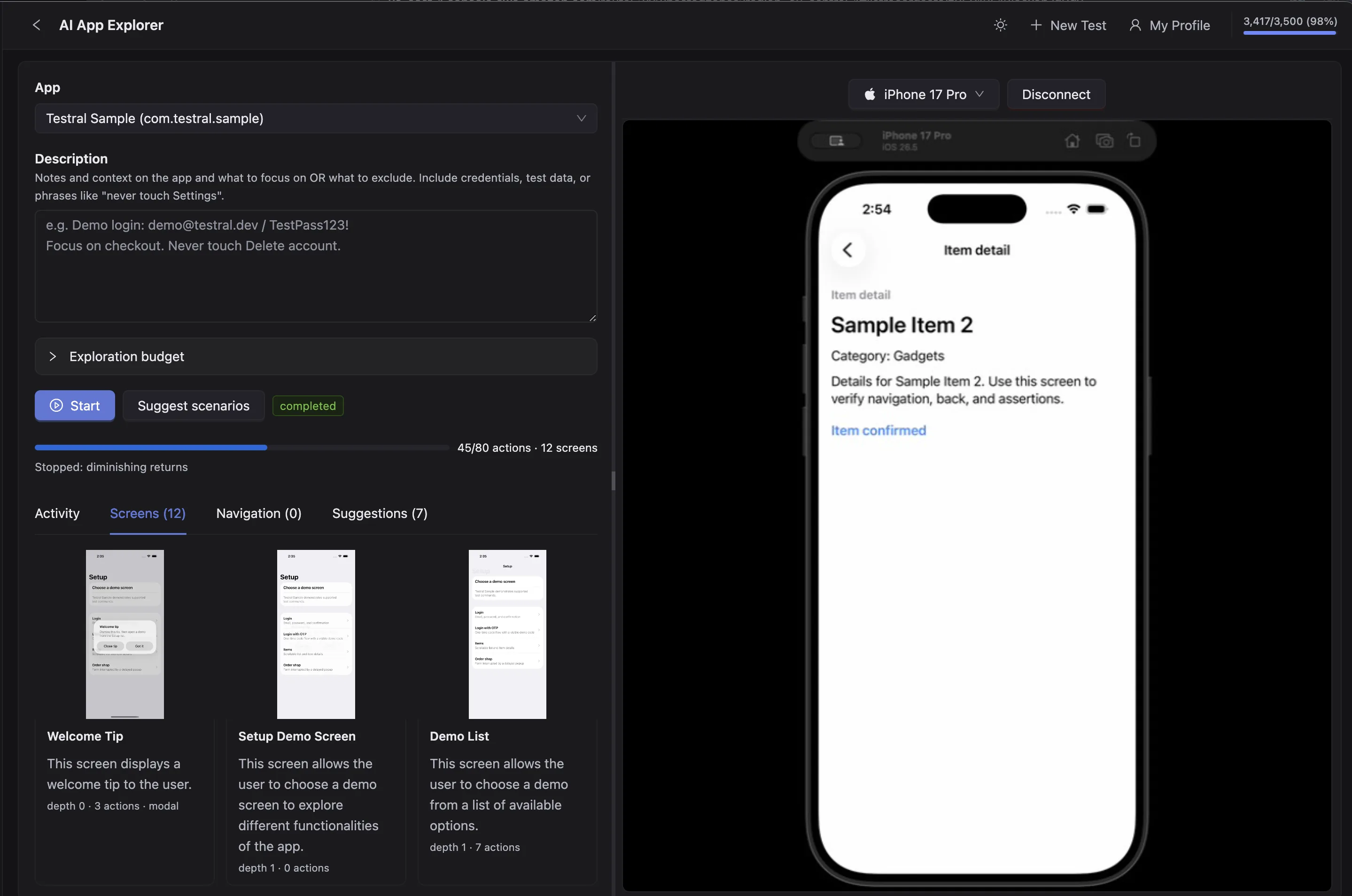
Our AI QA Engineer explores your app
Builds a mental model of how your app works and how screens connect together.
- Phase 02 - Scenarios
It creates scenarios for potential tests
You choose which scenarios will be converted into actual tests.
- Phase 03 - Authoring
Testral converts each scenario into a running test
It ensures that everything passes.
- Phase 04 - Execution
Tests run on a schedule or in your pipeline
Your tests execute as part of a test plan on a schedule — or from GitHub Actions / CLI via an API key. If a test fails, Testral tries to auto-heal it.
You can still write tests yourself — of course in natural language.
Built for mobile pipelines
Connect devices, run with AI, and ship with clear evidence.
Test Editor
Build and maintain mobile coverage in a desktop editor with a split device view. Auto-save keeps your work safe.
- Split editor + device view
- Auto-save
- Readable test files
- Fast iteration
Live Device Preview
Connect a device and see a live stream in the editor. Watch every pipeline step and interact while you debug.
- Real-time streaming
- Tap and swipe input
- Connection status overlay
- Low-latency preview
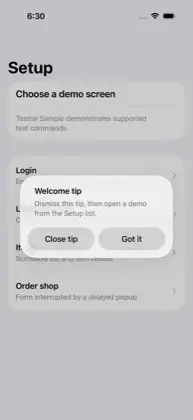
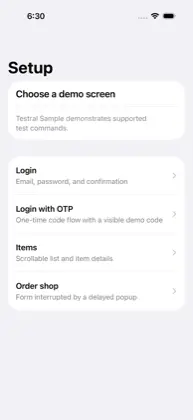
launch the apptap "Got it"tap "Email & Password button"type "test@example.com" into "Email text input"type "password123" into "Password text input"verify "Sign in button" is visibleSample App
Welcome
Test Plans
Group tests into plans and run them on a schedule or as a release gate — each plan can target any mix of phones and tablets.
- Scheduled suites
- Integrated with your CI
- Pass/fail summaries
- Flexible device matrices
Test Reports
Every run produces a detailed report with per-step status, before/after screenshots, timings, and AI reasoning. Share a read-only link with anyone.
- Before/after screenshots per step
- Durations and pass/fail breakdown
- One-click shareable public link
- Slack notifications on completion
 Testral
Sign in with Email and Password.tl
Integrations
Plug Testral into the tools you already use — Slack and email alerts, Jira tickets from reports, GitHub Actions, CLI in any CI, and MCP for IDE agents.
- Slack pass/fail alerts
- Jira tickets from reports
- GitHub Actions & CLI
- MCP for authoring agents
Projects & plans
Organize tests into projects, keep plans next to coverage, and sync everything across the team.
- Project folders
- Searchable test library
- Server sync
- Team collaboration
Everything for a mobile QA pipeline
Devices, AI execution, reports, and team sync in one desktop workflow.
AI QA Engineer
AI locates UI, runs actions, and verifies outcomes so your mobile pipeline stays reliable without brittle selectors.
Live device preview
Stream real device screens in real time while tests run and you debug failures.
Step-by-step execution
Run suites end-to-end or one step at a time with live reports for every action.
Visual test editor
Build and maintain coverage in a desktop editor designed for mobile QA workflows.
Projects & plans
Organize tests into projects and schedule plans so coverage runs continuously.
Android & iOS
Connect physical devices over USB or wireless today — Android and iOS supported.
Emulator support
Launch and test against emulators directly from the desktop app.
Cloud Devices
Run pipeline jobs on cloud devices without keeping hardware on your desk.
Shareable reports
Every run produces screenshots, timings, and a link you can share with the team.
Terminal logs
See connection steps, driver output, and run events in a built-in terminal.
Auto-save
Tests save automatically as you edit so you never lose work mid-session.
Team sign-in
Sign in with email, Google, or GitHub to sync projects across your team.
Built for the whole team
One AI QA workflow that fits how QA, developers, and leads each ship.
QA engineers
Scale coverage without scaling headcount.
- AI-driven runs on real devices
- Live preview while you debug
- Clear pass/fail with screenshots
- Projects and plans in one place
Developers
Catch regressions before they ship.
- Reproduce failures with step reports
- Terminal logs for every run event
- AI-assisted fixes for broken steps
- Seamless integration into your pipeline
- Local, emulator, or cloud targets
Team leads / Managers
Keep mobile quality continuous and visible.
- Managed cloud sync — nothing to host
- Team sign-in and shared projects
- Consistent pipeline across the team
- Shareable reports for every release
CTOs and CEOs
Keep mobile quality continuous and visible.
- An e2e testing workflow that buys you time instead of consuming it
- Full control on your testing pipeline
- Insightful metrics - Tiny details but also with a birds eye view
Frequently asked questions
Everything you need to know about Testral.
Testral is an AI QA Engineer for mobile. It automates your testing pipeline — connecting devices, running tests with AI, and producing clear reports so your team can ship with confidence.
Testral supports physical Android and iOS devices (via USB or wireless), emulators and simulators, plus Cloud Devices for remote pipeline runs.
No. Testral is built for QA engineers and developers alike. Define the flows you need to protect, and the AI QA Engineer executes and verifies them on connected devices.
No. Testral is a hosted service — the desktop app connects to Testral's managed backend for authentication, project storage, and team collaboration. There's nothing to deploy or maintain.
During each step, Testral uses AI to locate UI, perform actions, and verify outcomes. Vision, element location, and verification are included — so your pipeline stays resilient as the app UI changes.
Yes. Testral is a macOS desktop app with a visual editor, live device viewport, step reports, and an integrated terminal for connection and run logs.
Testral is in closed beta
We're onboarding teams in waves. Leave your email and we'll invite you as soon as a spot opens.